Two recommendations for success, if the students are absolute newbies to using computers:
Have a senior citizen student to teacher ratio of no more than 2 students per teacher, assistant, or computer coach.
Require students to enroll in a short, pre-course device workshop. One of the most important, often overlooked details is to make sure that each student can see and comfortably read information on their device screen. Make sure that each student’s device can access the Internet from your class location. Help students to understand that teachers and coaches do not stop class in order to find device passwords, load required software, or to fix device hardware.
My personal preference is to teach a class of 8 to 10 newbie senior citizens with a couple of computer coach assistants on standalone computers or on bigger screen devices all from the same computer company.
Take a Free Try-Out Class: Enroll in a free, or under $5, online course. Libraries, senior centers, senior organizations, and free courseware sites–these are places to find free or under $5 beginner courses.
Christmas, Florida: We will visit the Christmas History Park. Then, go by the post office to mail friends and Santa post cards from Christmas.
Santa Claus, Indiana: Let’s stop in for a visit to the Santa Claus Museum, then the Santa Christmas Store, and next see what on the menu at Santa’s Lodge.
Bethlehem, Pennsylvania: Three things we will enjoy: Strolling around Christmas City Village, going to the Moravian Museum, seeing how Moravian cookies get made.
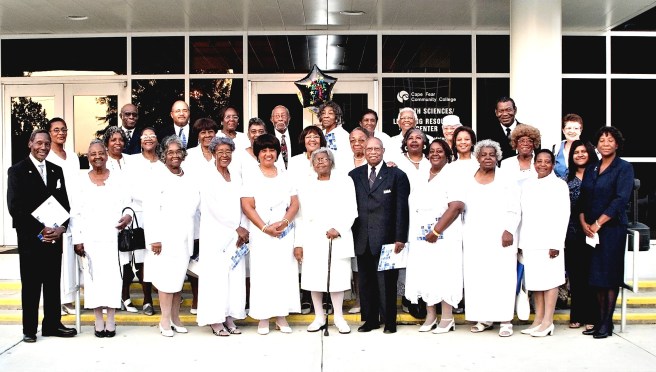
What a great opportunity to find out what word processing is! If you are a beginner with a little Internet & typing experience, this course is for you. Dr. Canty, a certified MOS Word specialist, will show you how to create and customize documents for yourself, friends, family, and associates.


 e students are absolute newbies to using computers:




 Word Processing Workshops
 Computer Technology Senior Life Workshops Blog Space