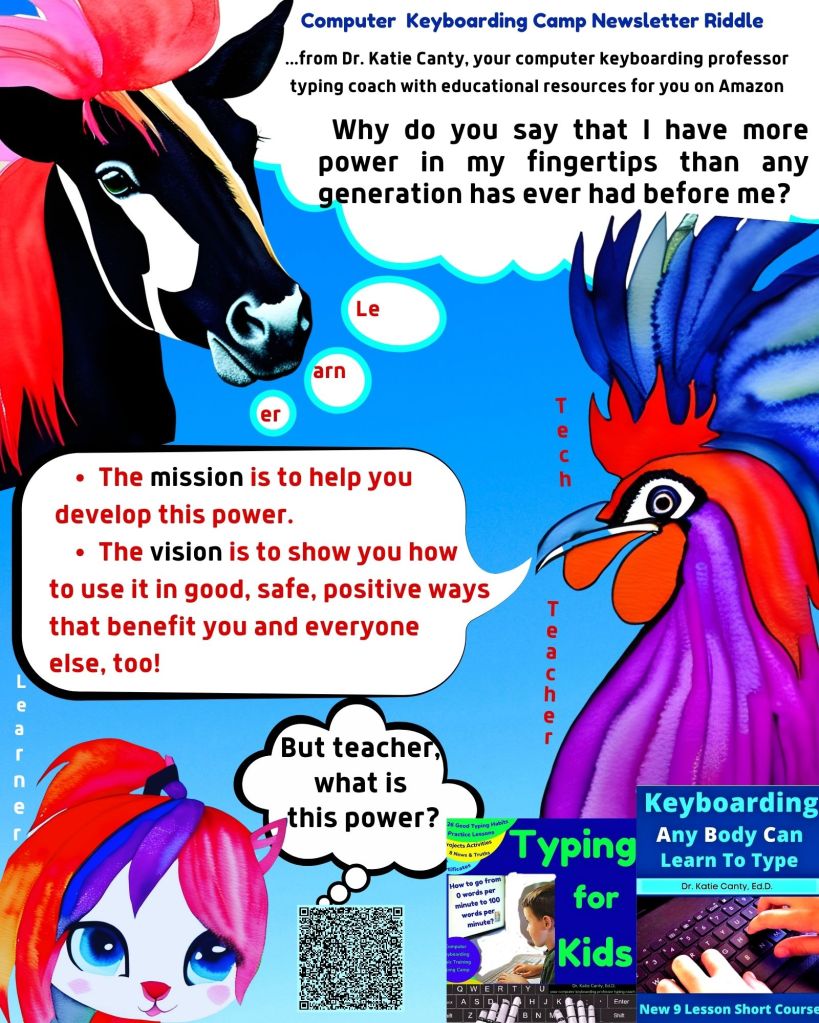
The Super Power In Your Typing Finger Tips At The Computer Keyboard: How To Master It In No Time At All


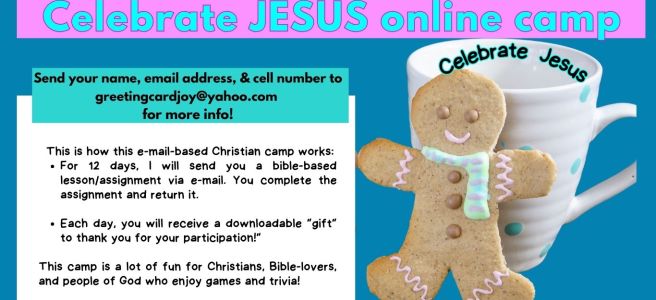
How To Go To Santa;s Christmas Newsletter Camp
What email to you want to get email newsletters this year from Santa? Contact greetingcardjoy@yahoo.com

Dr. Katie Canty’s educational resources are smiles on paper for learning and entertainment. https://www.teacherspayteachers.com/Store/Computer-Keyboarding-And-More-To-Inspire-Learners/Page:2
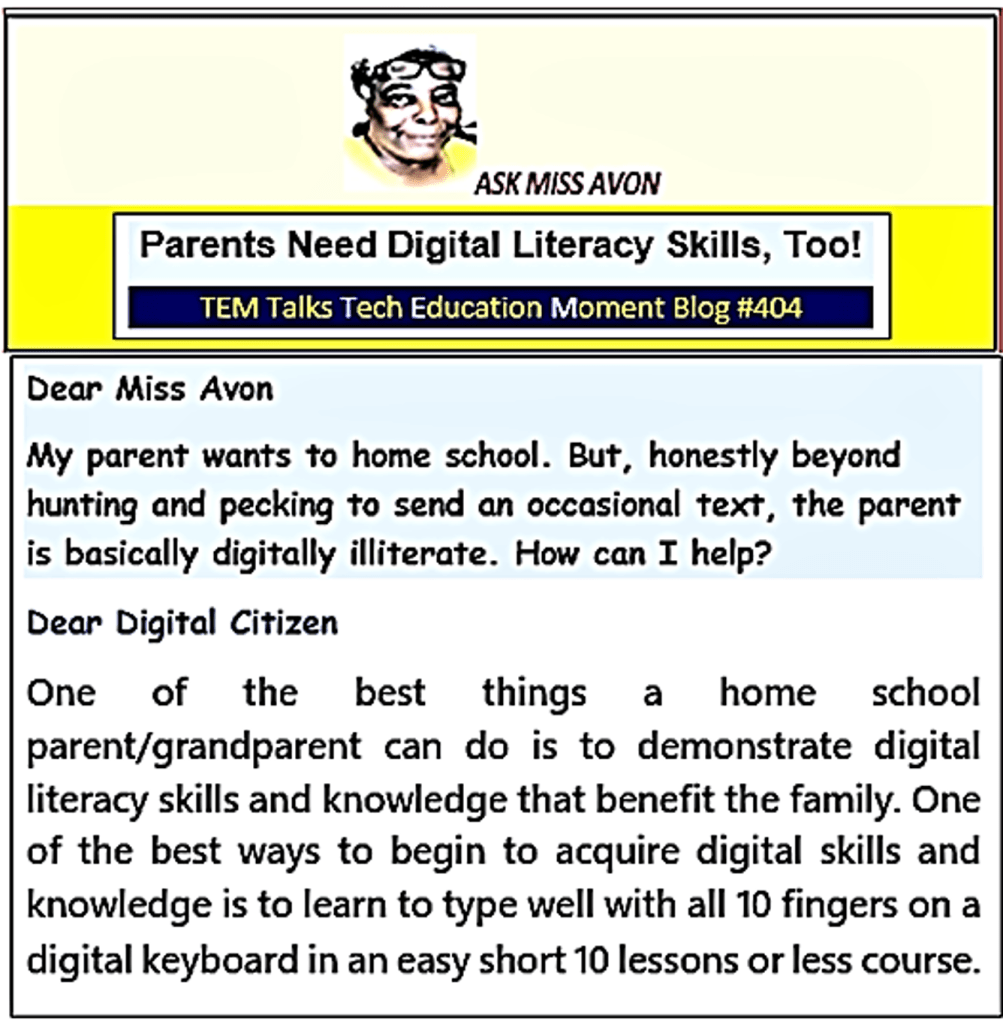
Dear Miss Avon
My parent wants to home school. But, honestly beyond hunting and pecking to send an occasional text, the parent is basically digitally illiterate. How can I help?
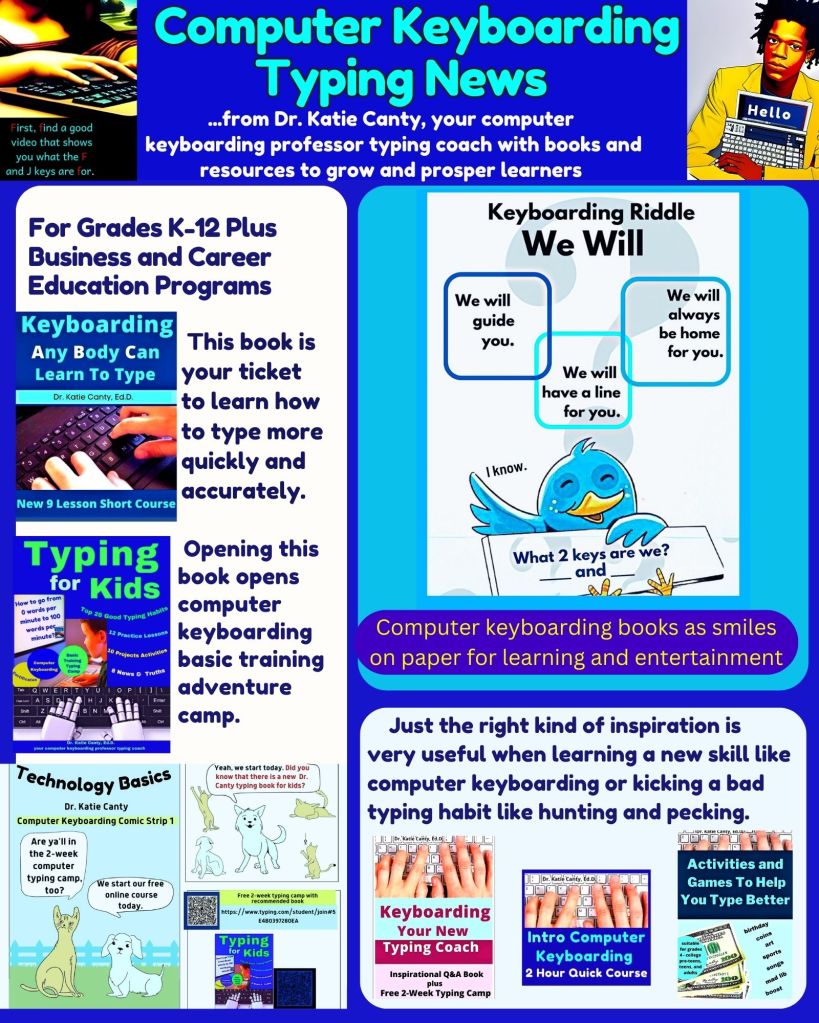
One of the best things a home school parent/grandparent can do is to demonstrate digital literacy skills and knowledge that benefit the family. One of the best ways to begin to acquire digital skills is to learn to type well with all 10 fingers on a digital keyboard in an easy short less than 10 lesson course.
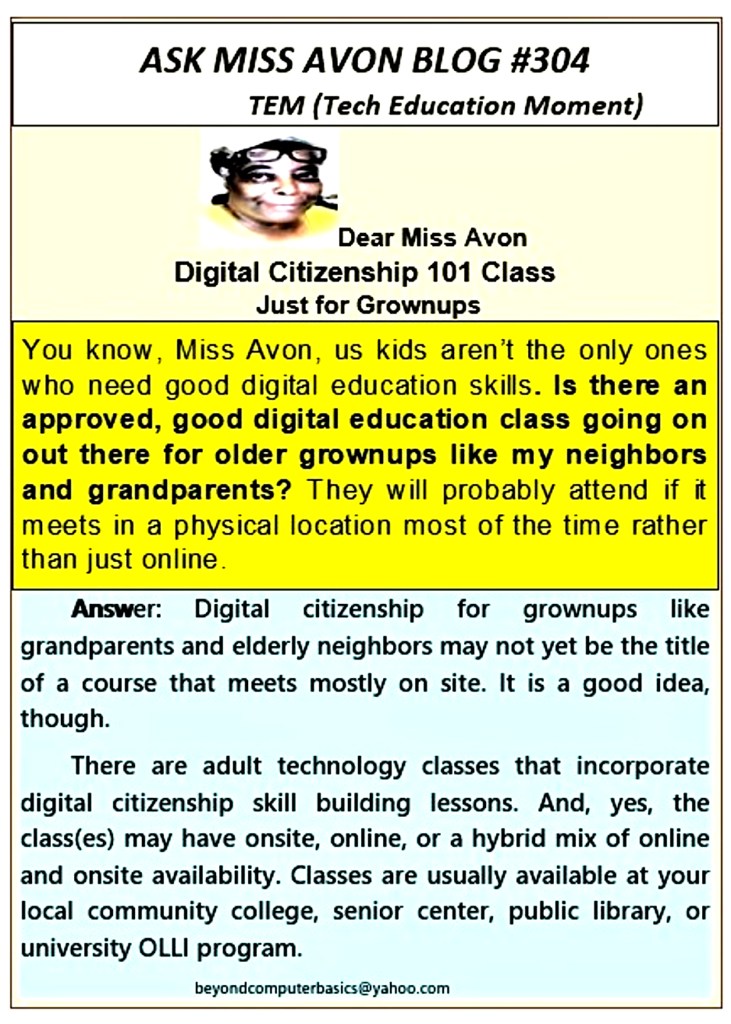
You know, Miss Avon, us kids aren’t the only ones who need good digital education skills. Is there an approved, good digital education class going on out there for older grownups like my neighbors and grandparents? They will probably attend if it meets in a physical location most of the time rather than just online.
Answer: Digital citizenship for grownups like grandparents and elderly neighbors may not yet be the title of a course that meets mostly on site. It is a good idea, though.
There are adult technology classes that incorporate digital citizenship skill building lessons. And, yes, the class(es) may have onsite, online, or a hybrid mix of online and onsite availability. Classes are usually available at your local community college, senior center, public library, or university OLLI program.
 Computer Technology Senior Life Workshops Blog Space